The Venturi tab will only appear if the Venturi client has been installed. To access the Venturi preferences, click on the "Tools" menu, then "Preferences...." and select the "Venturi" tab.
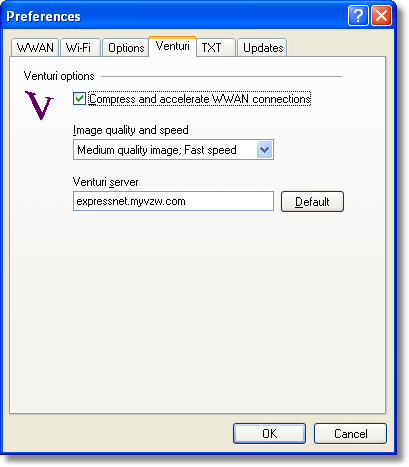
Venturi Options
The Venturi compression software (if installed) works in the background between your computer and Venturi compression servers on the Verizon Wireless network to improve your performance when using BroadbandAccess or NationalAccess. This option is selected by default and allows VZAccess Manager to automatically turn the Venturi compression software on when you use VZAccess Manager to connect via BroadbandAccess or NationalAccess, and off when you disconnect.
Unselecting "Compress and accelerate WWAN connections" will cause VZAccess Manager to no longer toggle the Venturi compression software on and off when using BroadbandAccess or NationalAccess. The recommendation is to leave this option selected because it helps in most cases. There are some rare situations where you may get better performance by turning the compression software off, so the option is available. You can also control the compression client through its user interface.